



AWS Prompt Library
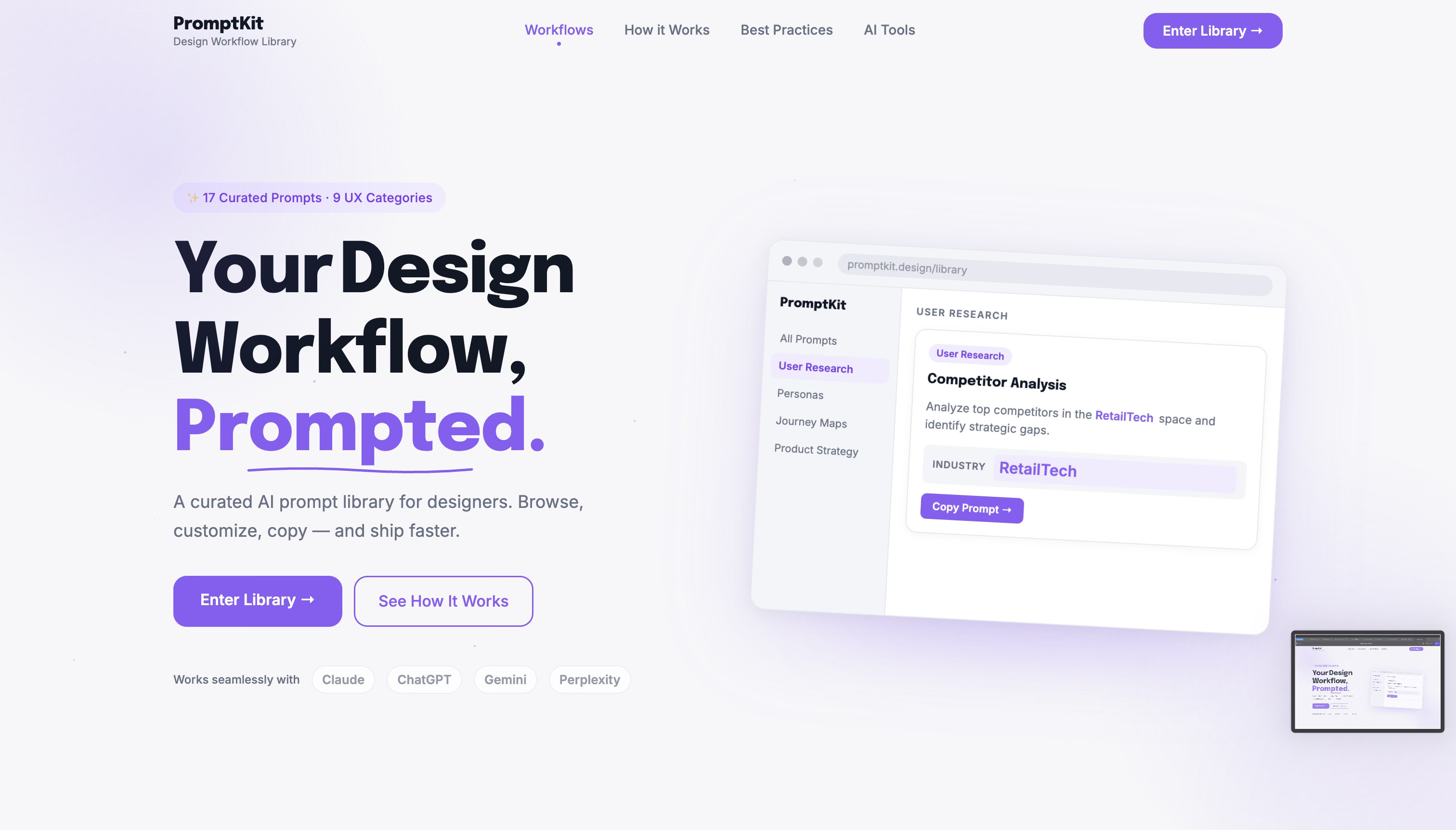
A library of ready-to-use prompts you can copy, customize, and run, used by startups to build AWS architecture in seconds.
Key Takeaway:
Tag-based browsing + difficulty levels = easy discovery









Brief
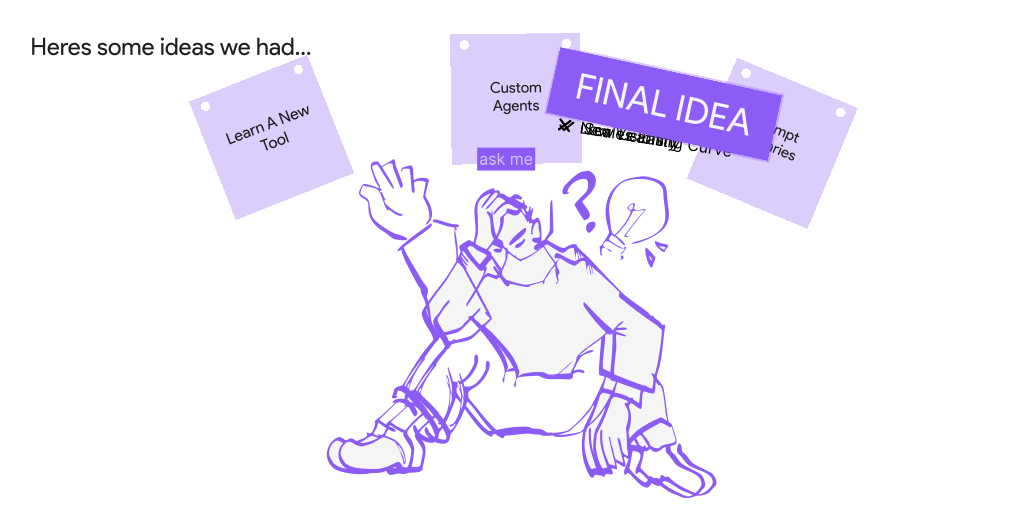
Heres the question we were presented with when we were trying to understand what kind of tools might help make the design process faster without using AI
Overview
AI tools were already in use across research, competitor analysis, synthesis, personas, journeys and accessibility work, but the prompts behind them lived in scattered docs and chat history, rewritten from scratch each time.
All the design tools used in the design process currently
 Perplexity
 Dovetail
 Claude
 Miro
 Midjourney
 Whimsical
 Figma
 Stitch
 Uizard
 Framer
 Lovable
 v0
 Maze
 UserTesting
 Hotjar
The only thing in common for all these is prompting
Context
We looked at how the leading AI platforms organize and share prompts.
A library of ready-to-use prompts you can copy, customize, and run, used by startups to build AWS architecture in seconds.
Key Takeaway:
Tag-based browsing + difficulty levels = easy discovery

300+ ready-to-use prompts for Word, Excel, PowerPoint, Outlook, and Teams, organized by function and task, with placeholders you swap for your own context.
Key Takeaway:
300+ prompts organized by product = scale + accessibility

Prompts for audio, video, marketing, coding, and math that show an example output first, so you can customize and run them directly.
Key Takeaway:
Preview any prompt's output before you run it, then customize and launch it in Google AI Studio.

Build prompts with fill-in variables, A/B test versions, roll back if one fails, and deploy the winner straight into your app via API.
Key Takeaway:
Variables + variants + version control = production-ready prompts
Problem
Small changes in prompt quality can dramatically impact the relevance, accuracy and usefulness of AI-generated outputs.
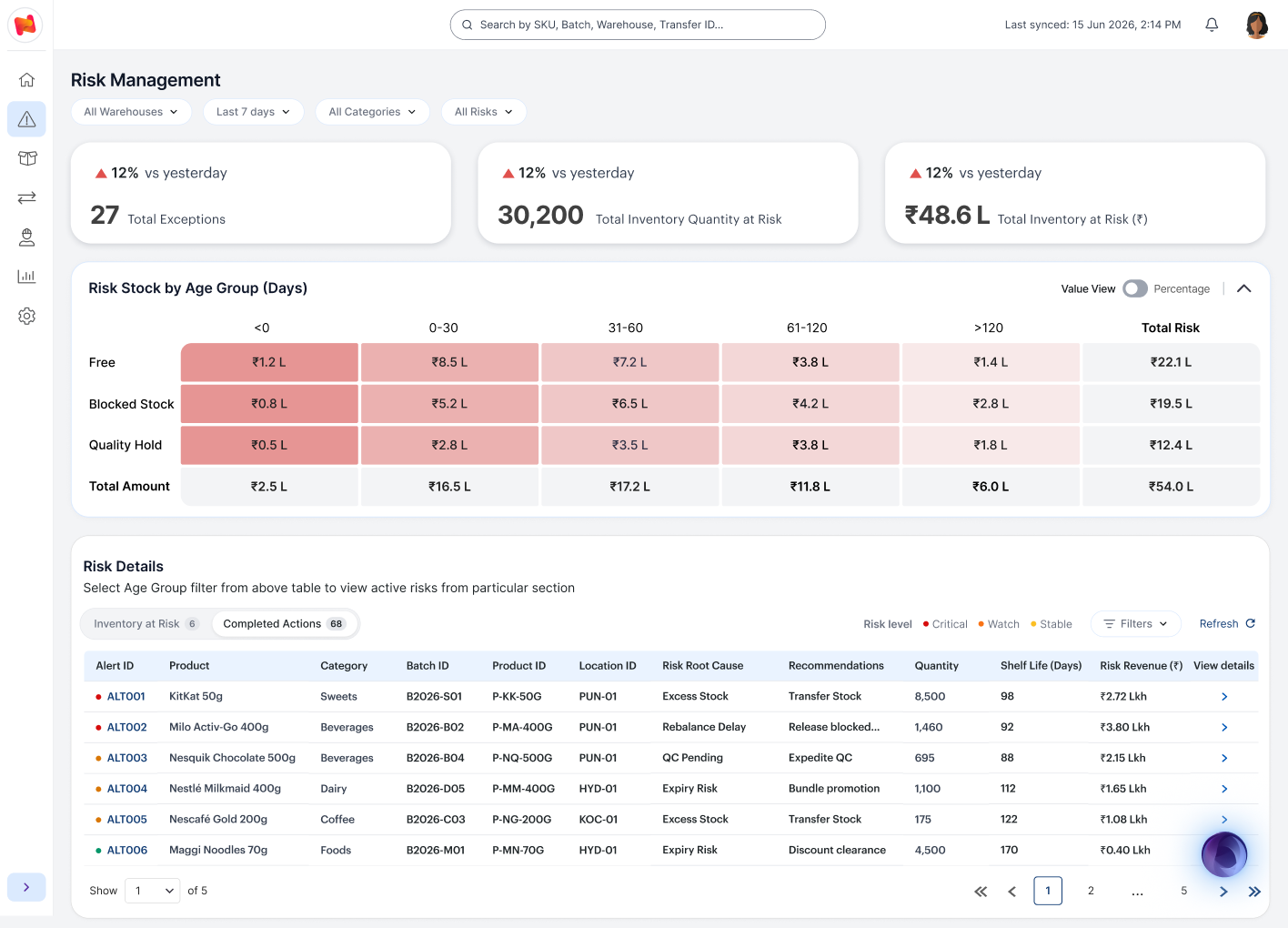
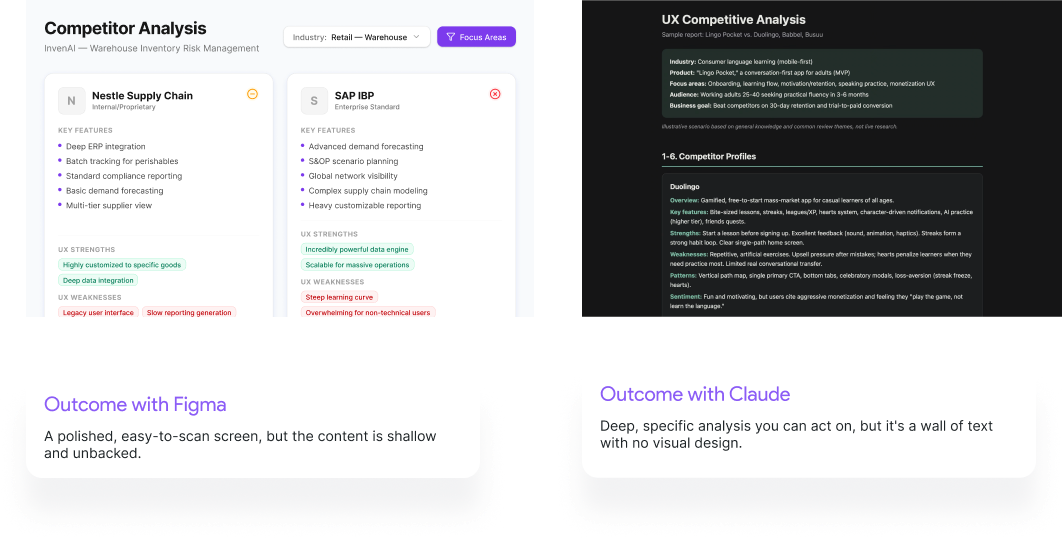
This screen was generated from a structured prompt defining business rules, UI design, interactions, and output requirements.
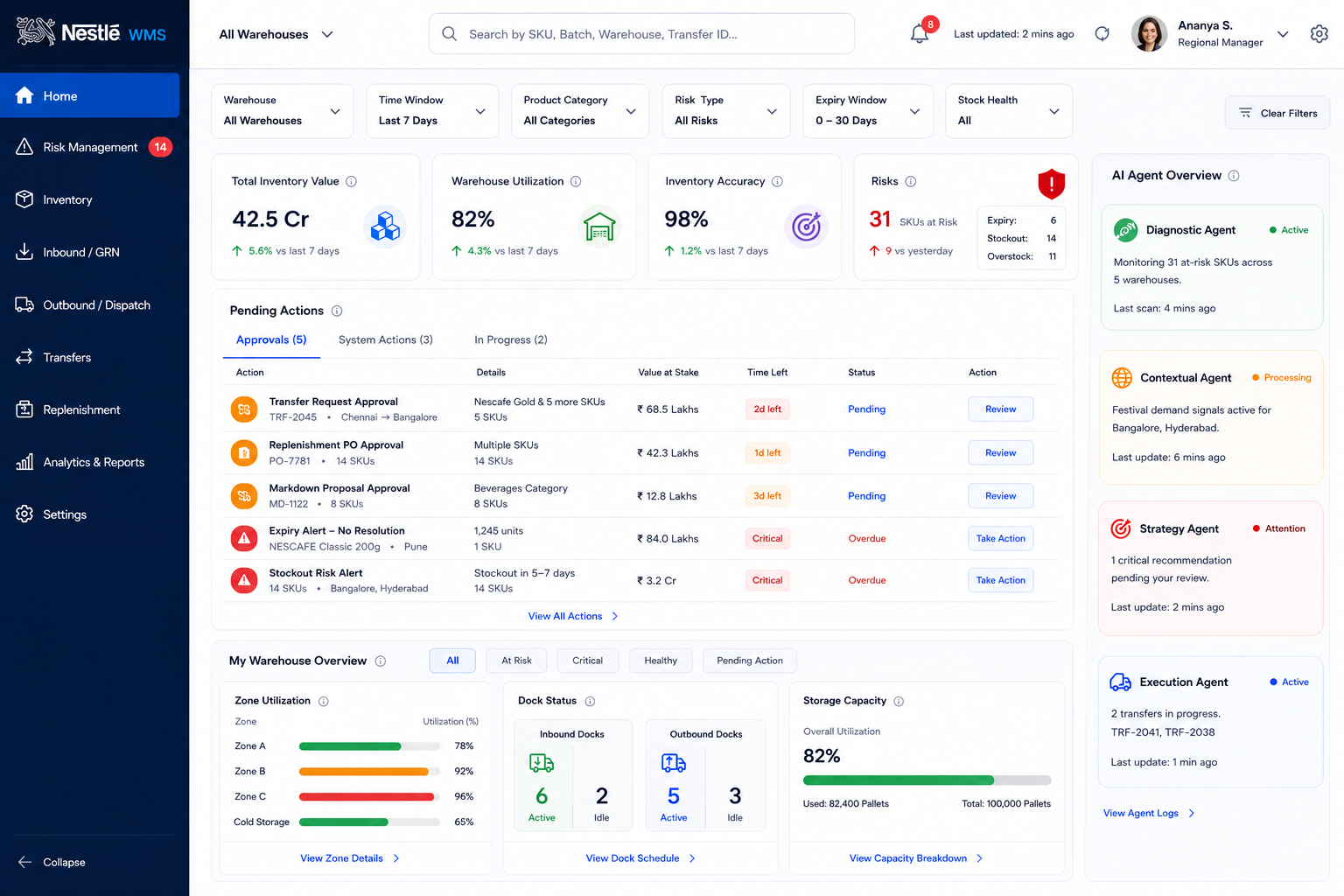
This screen was generated from a single prompt without structure or guidance.
Problem
The same prompt can produce very different results across AI tools.
Insights
So here we tried to make the library as intuitive as possible for any user.
All you have to do is Cut, Copy and Paste
Designers waste time finding and rewriting prompts for every project.
Kept it to three steps: Pick, Customize, Copy, so you get a usable prompt in seconds.
Built a workflow-based library where you pick a prompt, fill in variables, and copy it.
We decided to make prompts that are custom for workflows
Designers don’t know which prompt to use at each stage of their work.
Added a six-step workflow bar that filters prompts by design stage.
Prompts follow the design process, so choosing a step shows the right ones.
So we made sure you can customise according to tool, token and task
AI tools need prompts written differently, and designers can’t tell what to change or what it costs.
Added an “Optimize for ChatGPT” panel with token estimates and one-click enhancements.
Changes are visible and reversible, so designers see exactly what was added.
Save prompts into collections and reuse them with your team
Useful prompts get lost, so designers keep rebuilding them for every project.
Added Save to keep a prompt in a workspace, with collections you can create, add to and copy.
Saved prompts stay grouped and ready to reuse.
Personal prompts stay apart from the official library
Official prompts don’t fit everyone’s work, and designers can’t change them.
Added My Prompt Library, where you duplicate a prompt, edit it with version history, or create your own.
Personal prompts can be adapted freely without changing the originals.