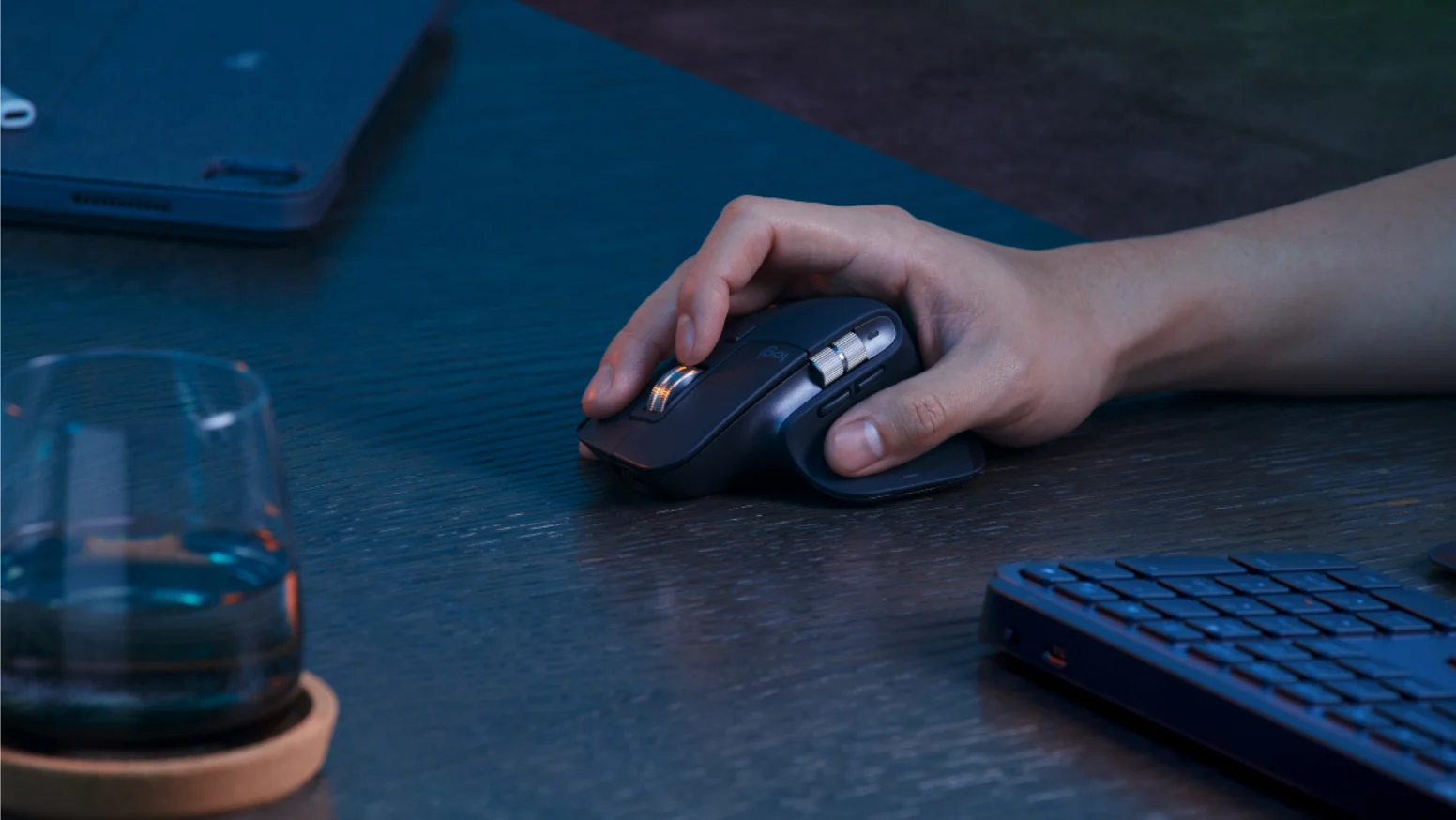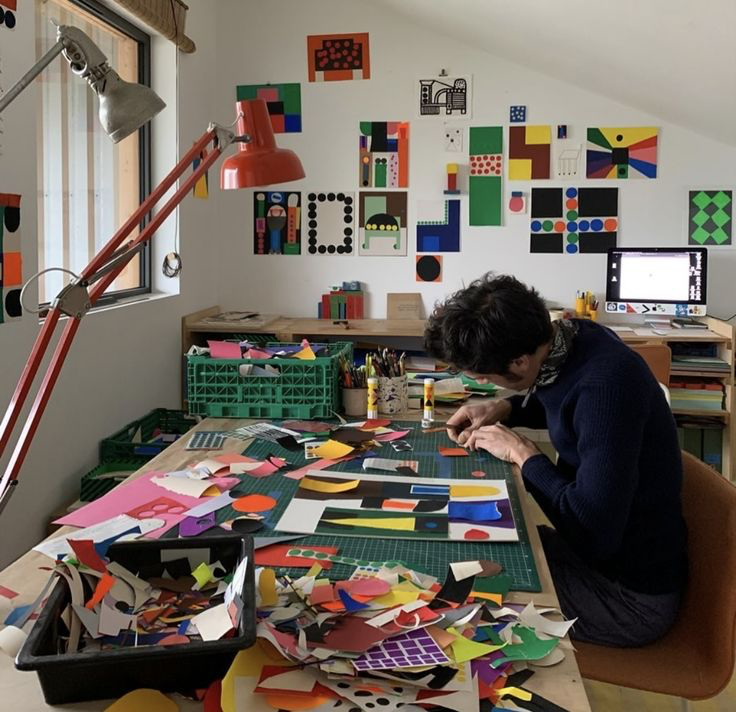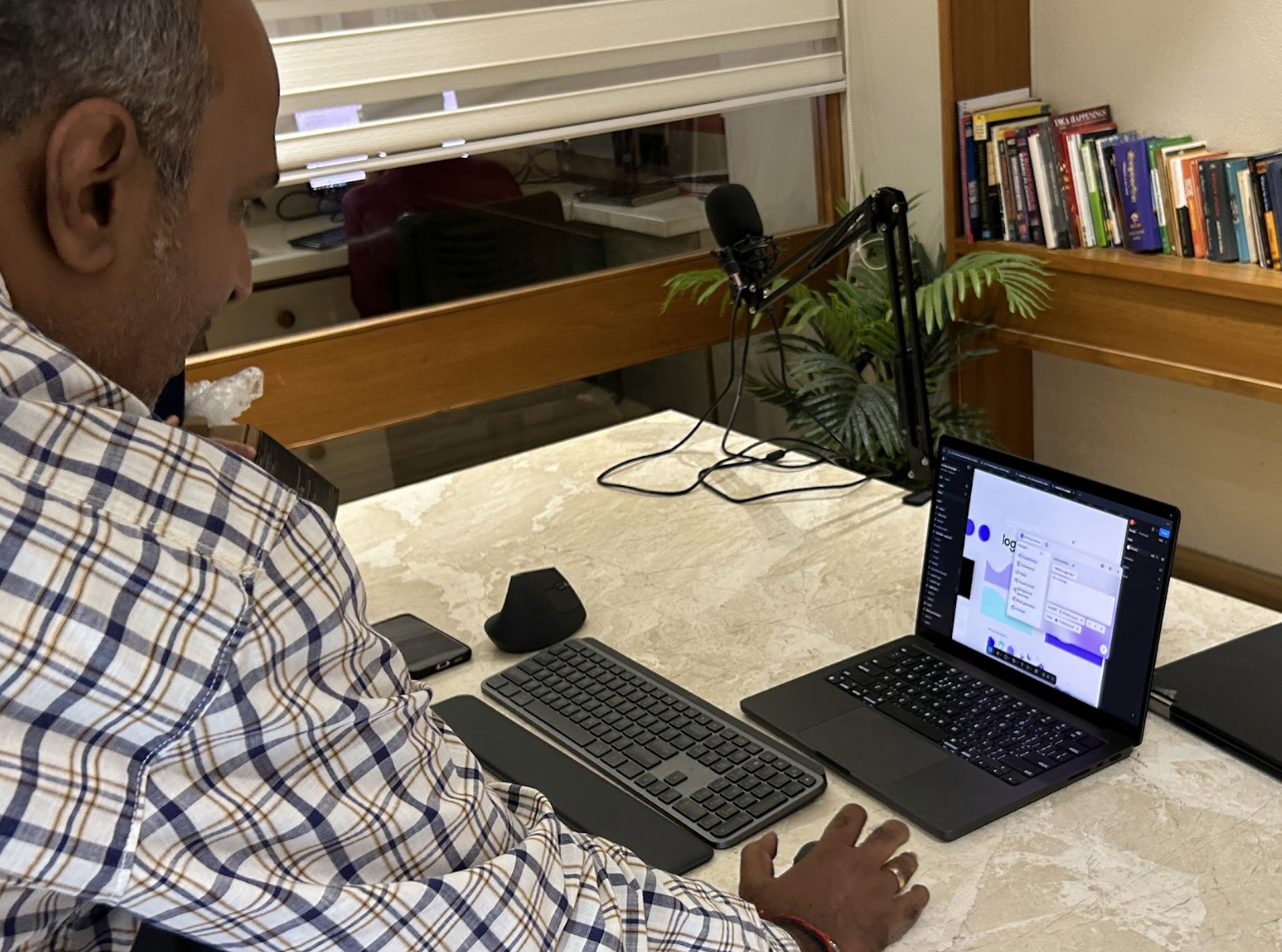
A designer using the Logitech MX Master 3S mouse

Logitech X Habitat 9

ROLE
UX Design Intern
TEAM
UX Interns
Project Manager
Mentor
Buddy
TIMELINE
2026
SKILLS
Product Design
UX Strategy
AI
Interaction Design
Brief

How do we get designers to discover and try the Logitech MX Master 3S?

The question we were asked was to reimagine the end-to-end proposal journey as one AI-assisted workspace, making manual coordination faster and enabling teams to handle more proposals.

Context

Every Designer designs for the world BUT who designs for us?

Designers contibute as the backbone of todays tech work having a place in all majour companies and contribiting to large scale change in many different ways

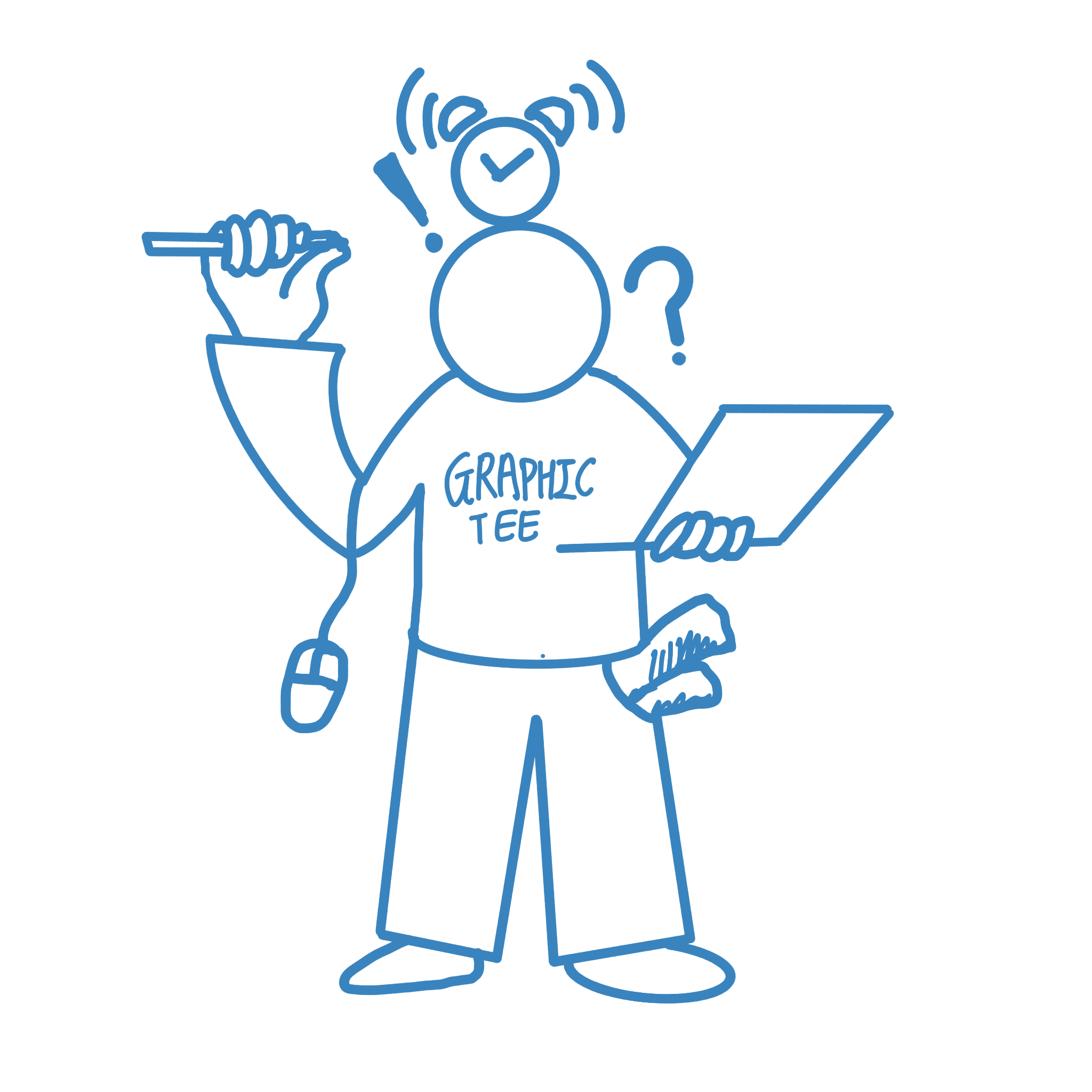
A TIRED DESIGNER

Illustration of a designer balancing work and deadlines Constantly Switching tools 100 Deadlines Multiple Devices Sketches Everwhere And that one
handy mouse

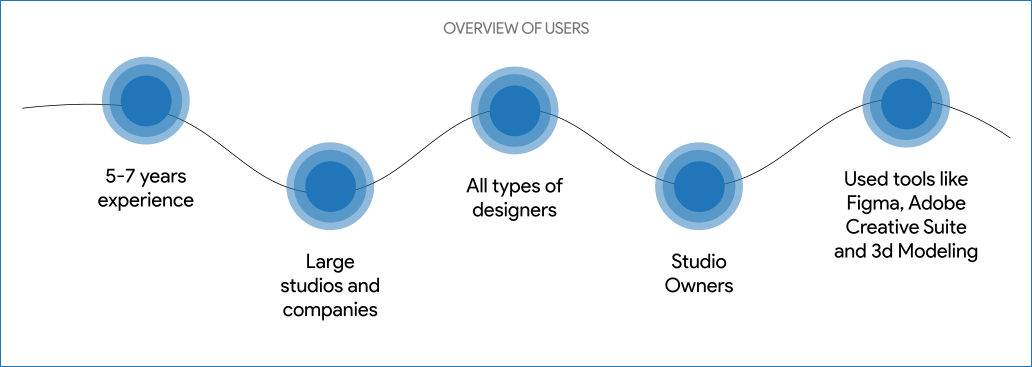
Who was our target demographic?

These were our maintargets and the people we wanted aware of our products

Target Demographic diagram
Research

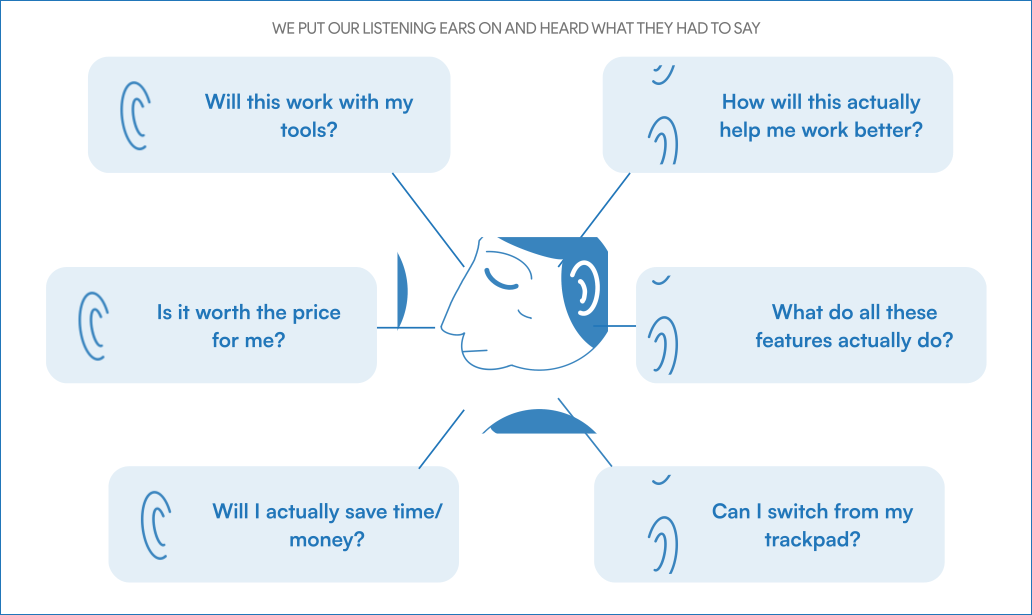
What did we hear from them?

Heres what we heard from our users

What we heard from users diagram
The Problem

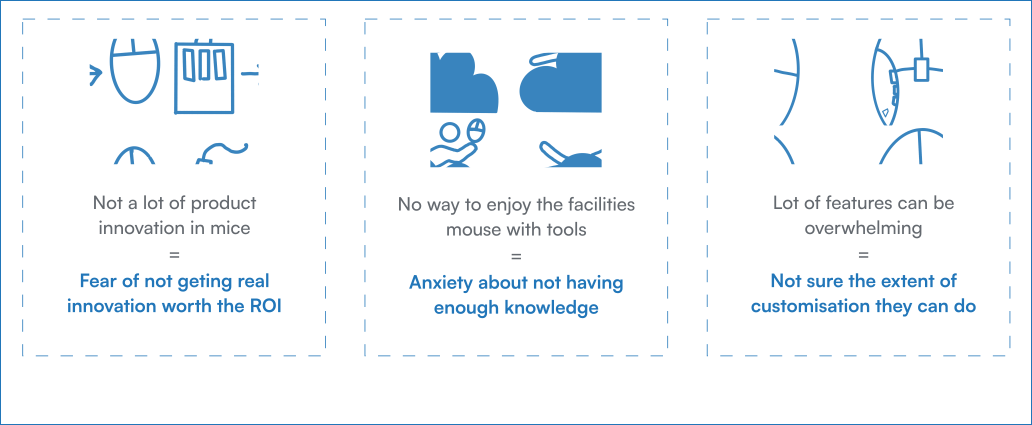
What was the root cause of these worries?

Heres what we heard from our users

Root cause breakdown diagram
HOW DID WE TRY TO SOLVE SAID PROBLEMS

We wanted to see how we could tackle all this issues with unorthodox solution

We wanted to see what all we could do to make different solutions for these problems but we wanted to make sure to not have a perticular set outcome. So we focused on what elements brought nostalgia to designers that they could all relate to.

HOW DID WE TRY TO SOLVE SAID PROBLEMS

What decisions did we make?

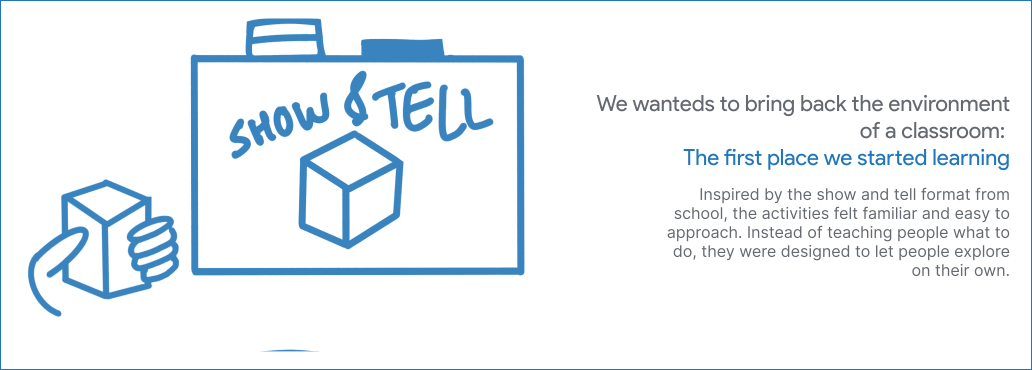
We wanted to see what all we could do to make different solutions for these problems, without committing to one fixed outcome. We focused on elements that brought nostalgia to designers.

Show and tell decision diagram
HOW DID WE TRY TO SOLVE SAID PROBLEMS

01) Activity Design

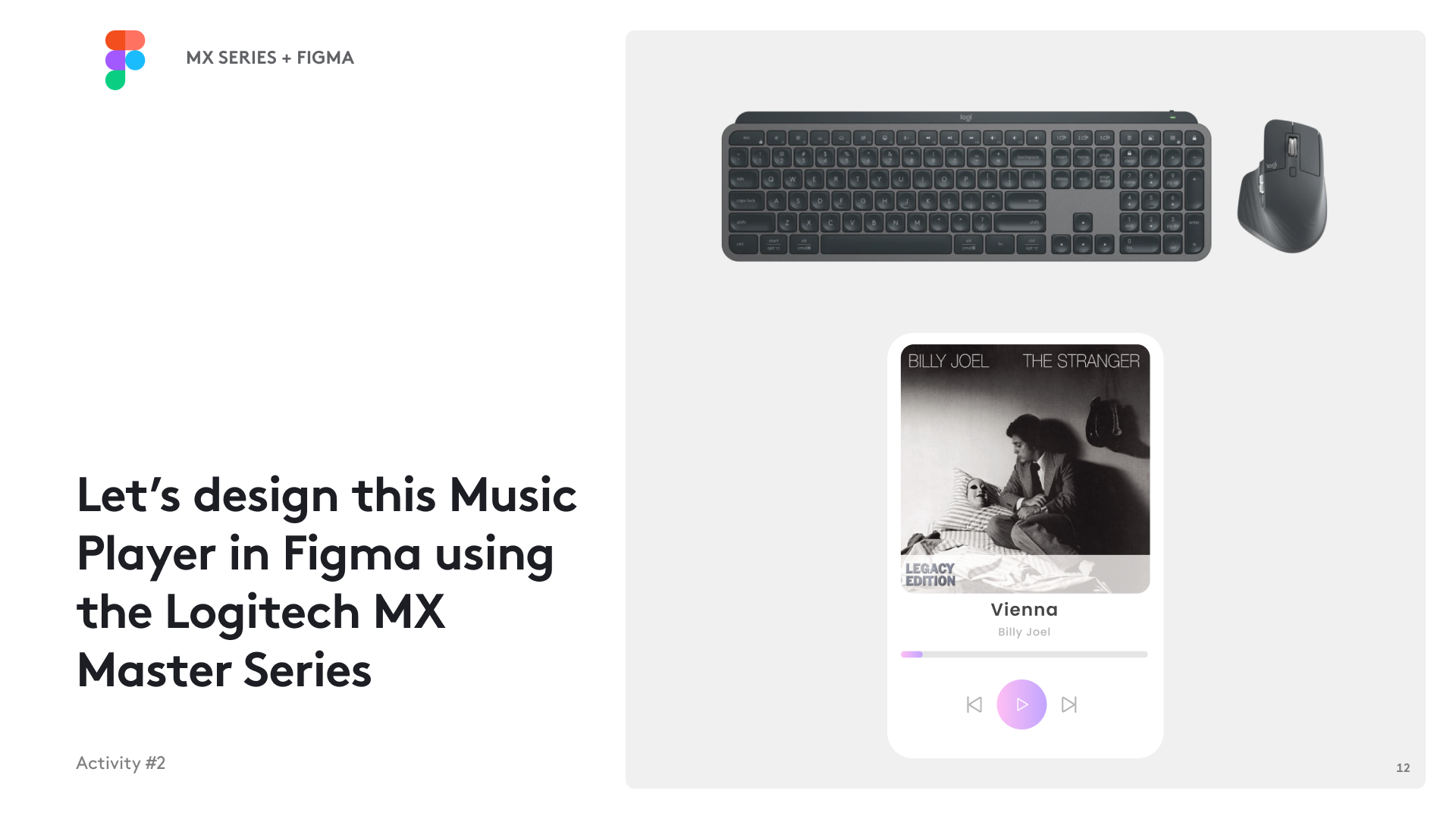
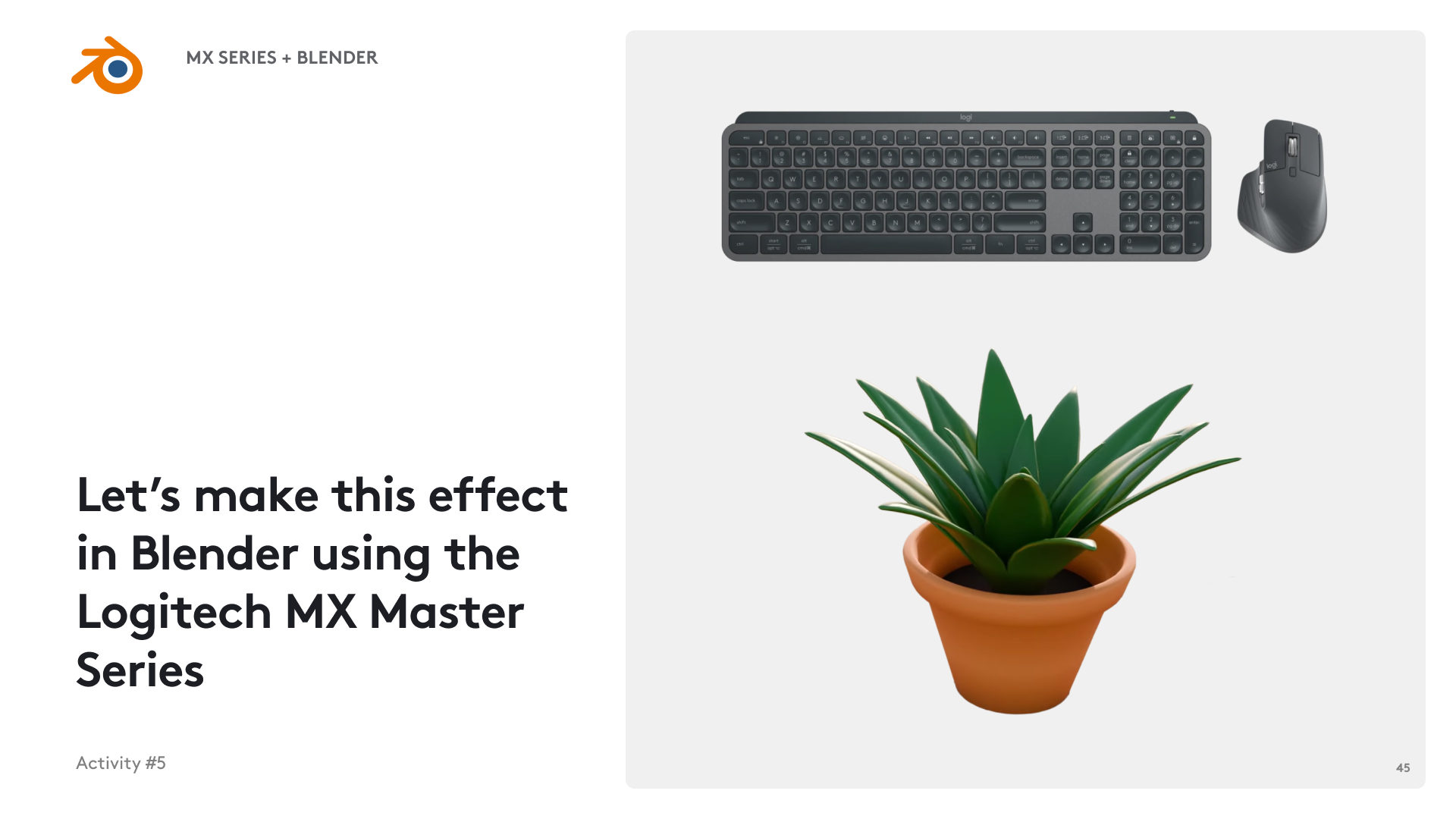
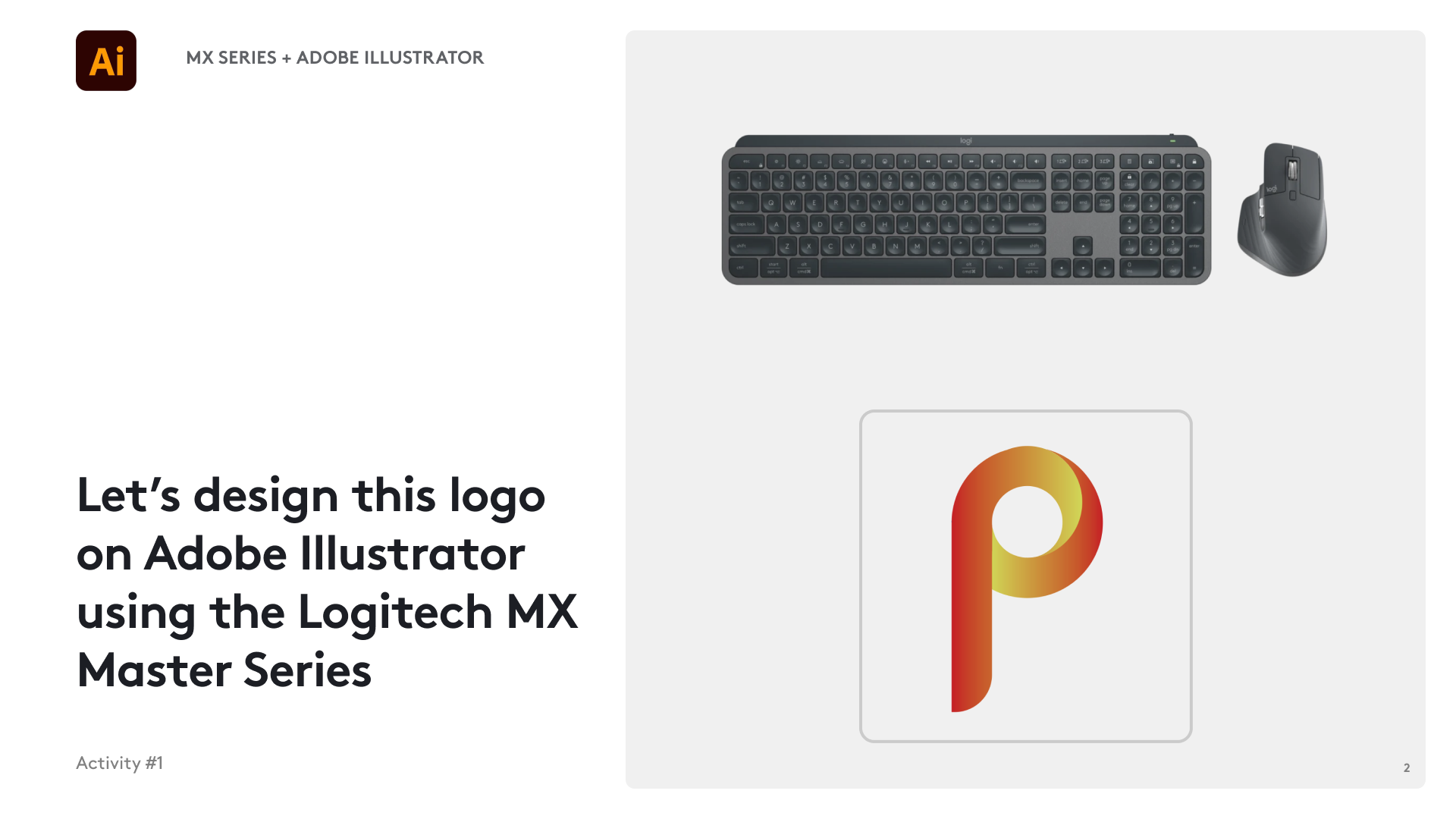
We made a deck to guide our users through activities in various software.

The important stuff

What changed things?

Heres the three key decisions we made that made a differnce in users and the way they thought about our products

Logitech design activity for creating a logo in Adobe Illustrator

Pain point #1: Clear Instructions

We gave a clear fulfilable goal to the user that they can execute instead of vague exploration

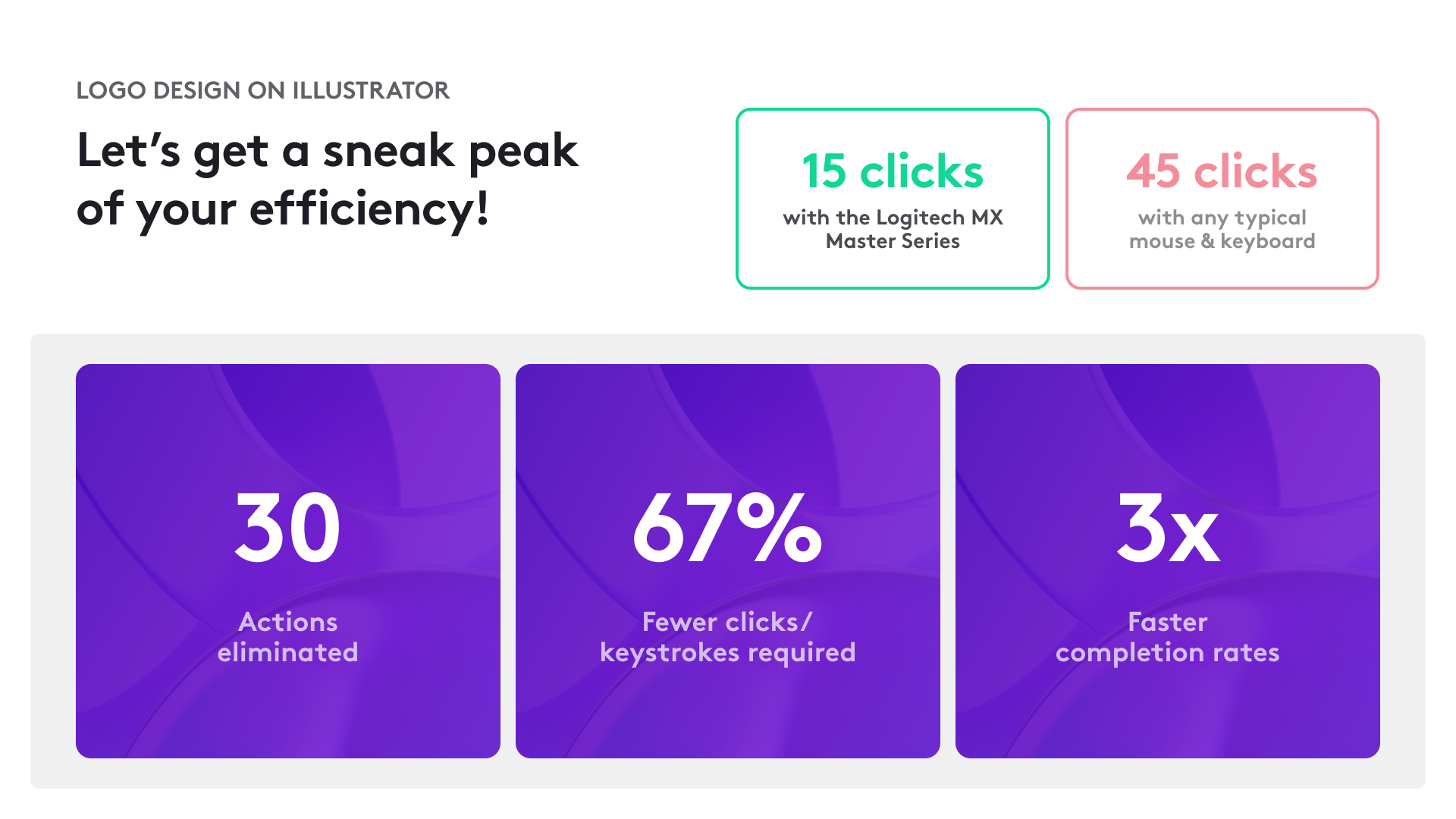
A visual comparison showing efficiency improvements

Pain point #2: Efficiency is demonstrated

We gave a clear comparable visualisation of how their efficiency and productivity will be improved.
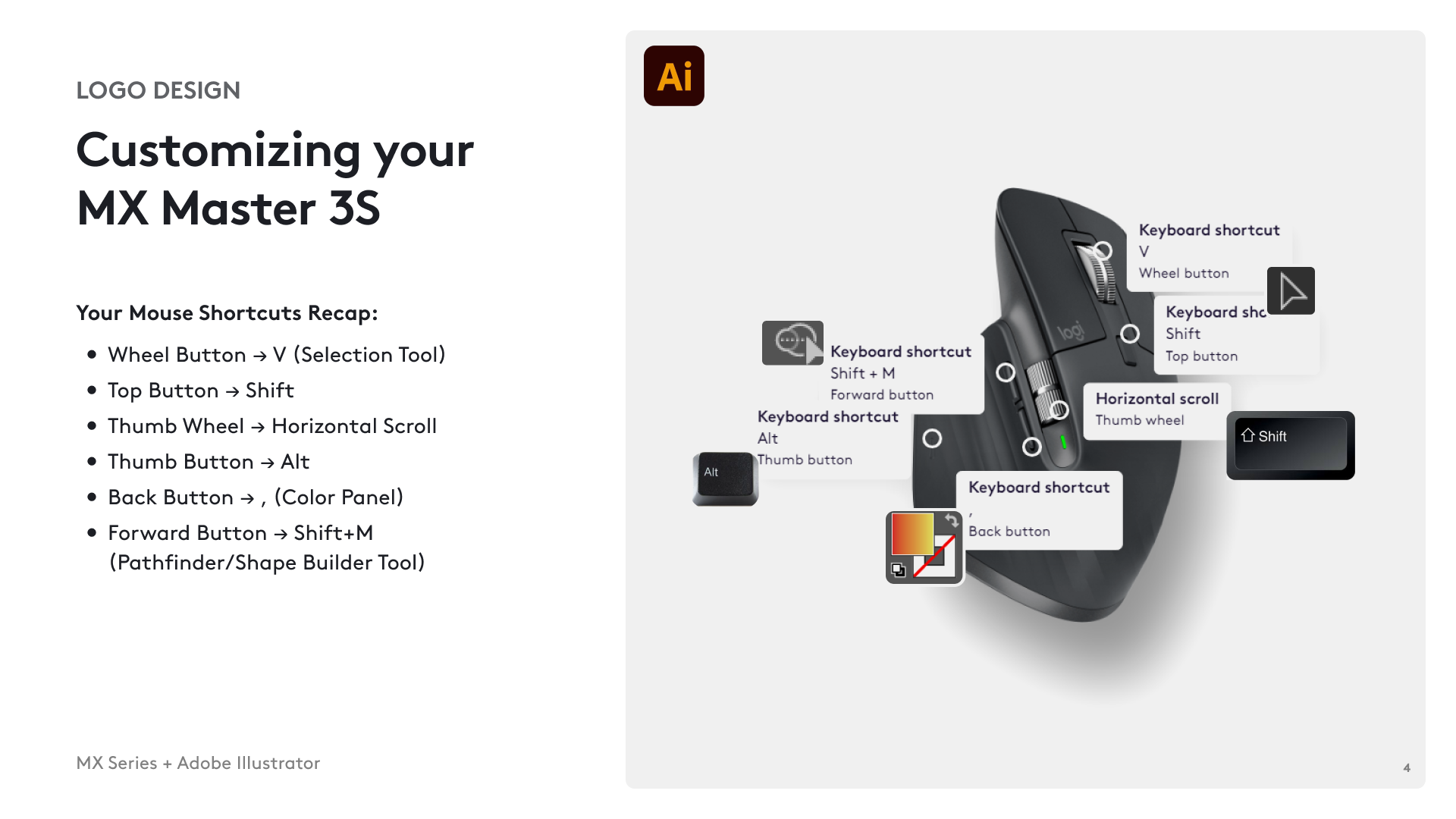
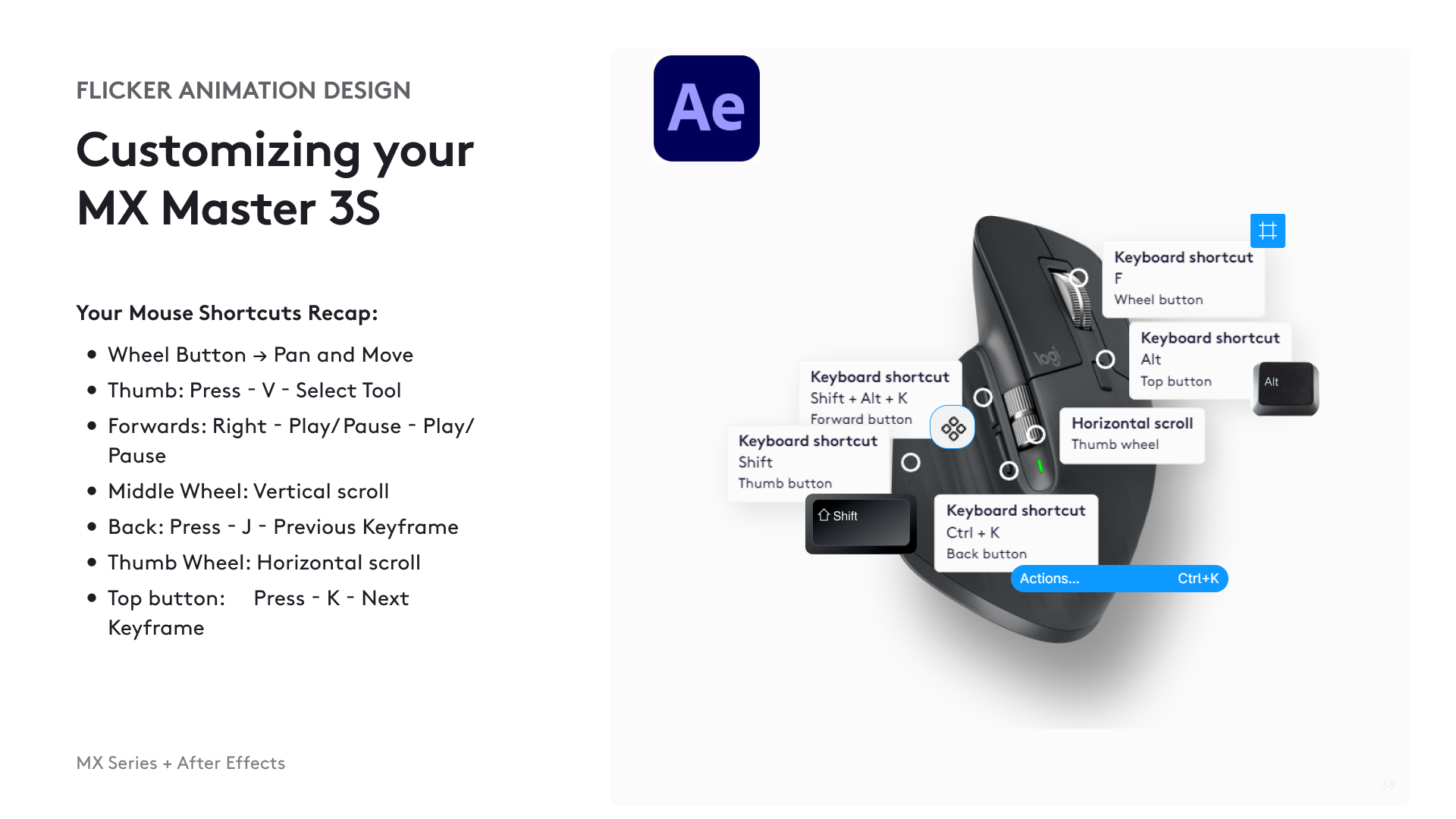
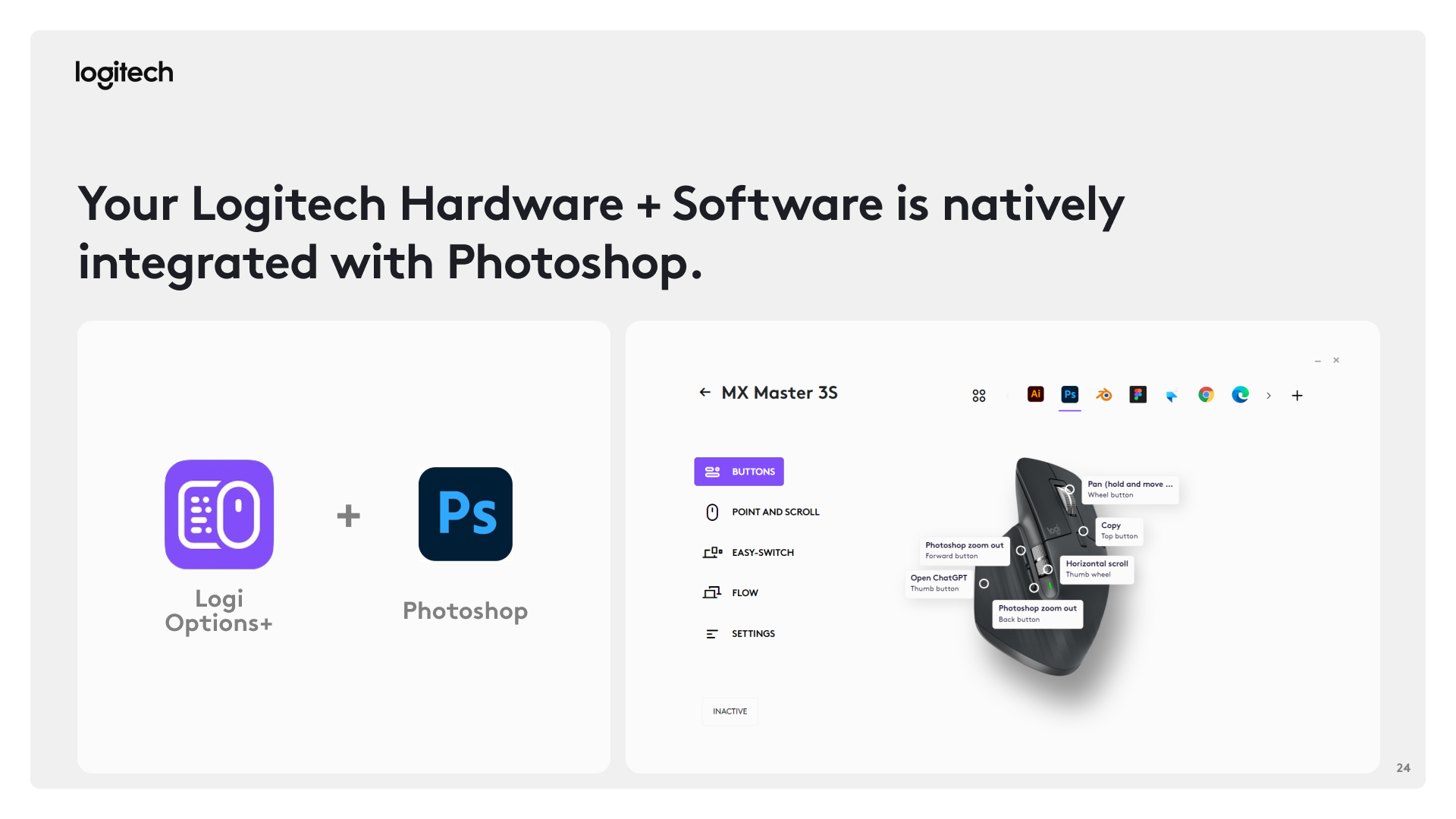
Logitech MX Master 3S customization interface and mouse controls

Pain point #3: Demonstrated customization options

We gave them a visual guide of exactly they can do to customizing the mouse so that there is no confusion

The important stuff

(02) Workshop Design

Heres how we conducted workshops at various design studios to help build our user reach
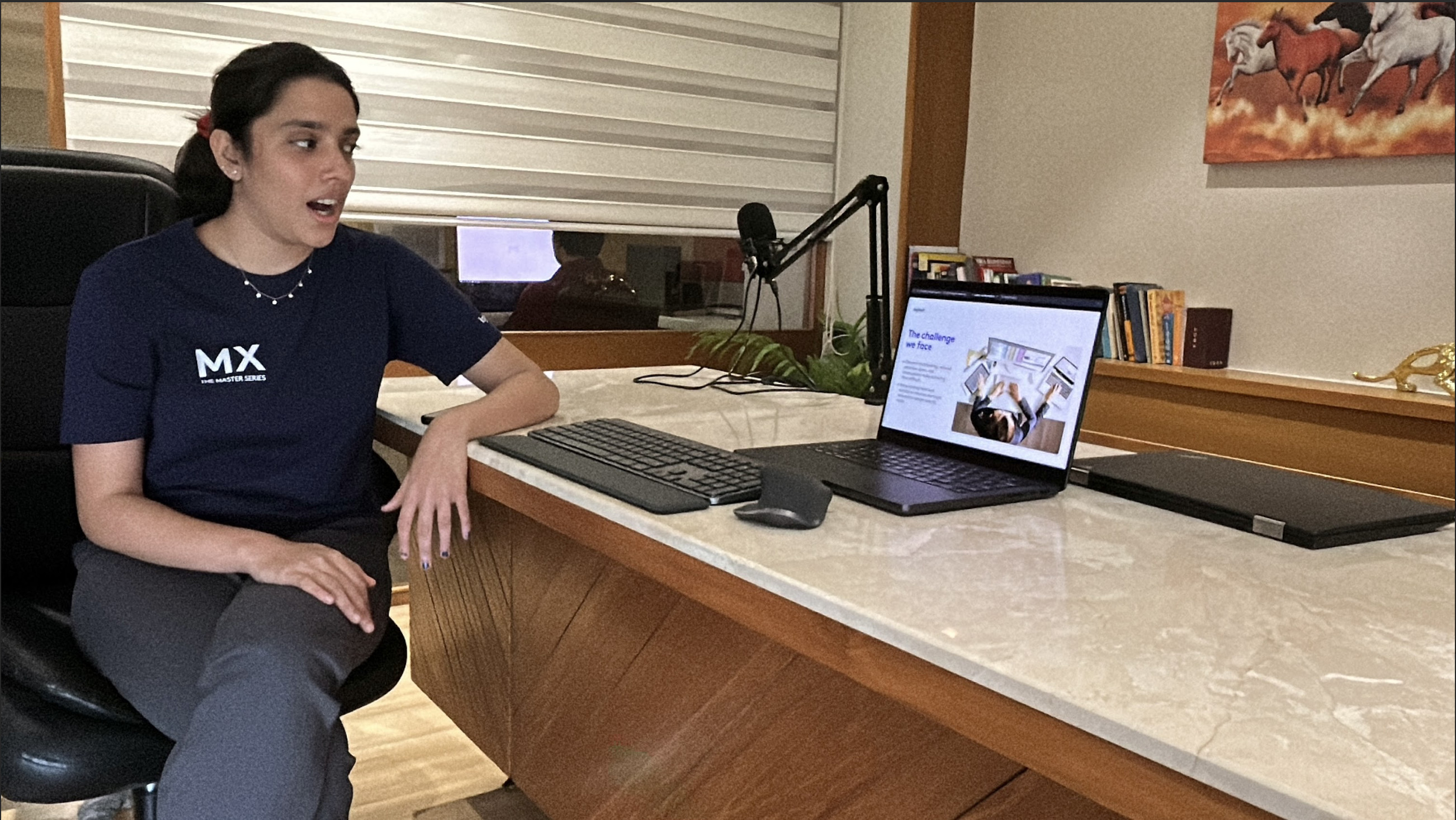
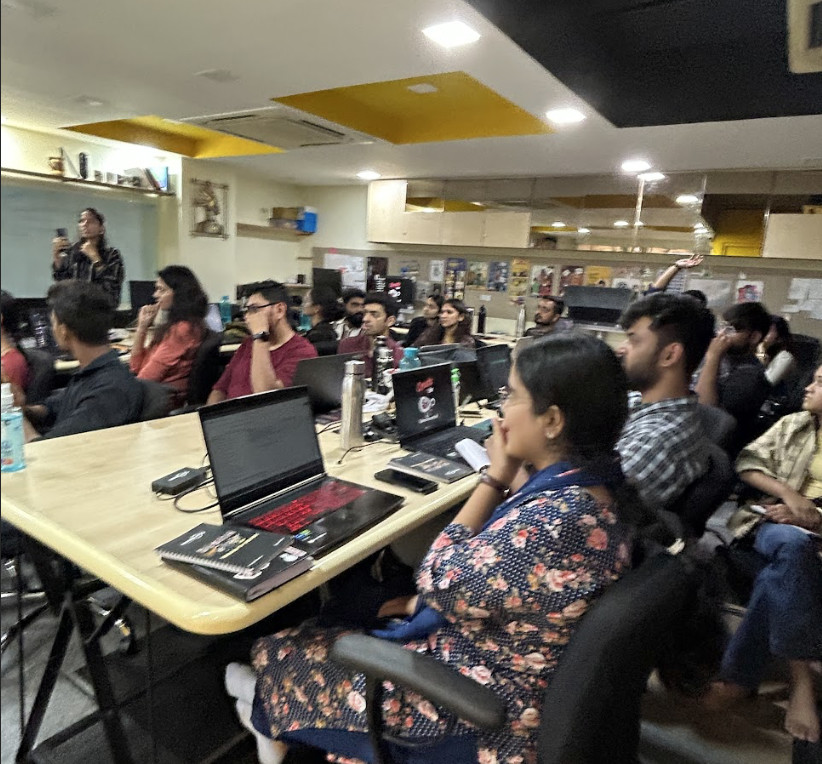
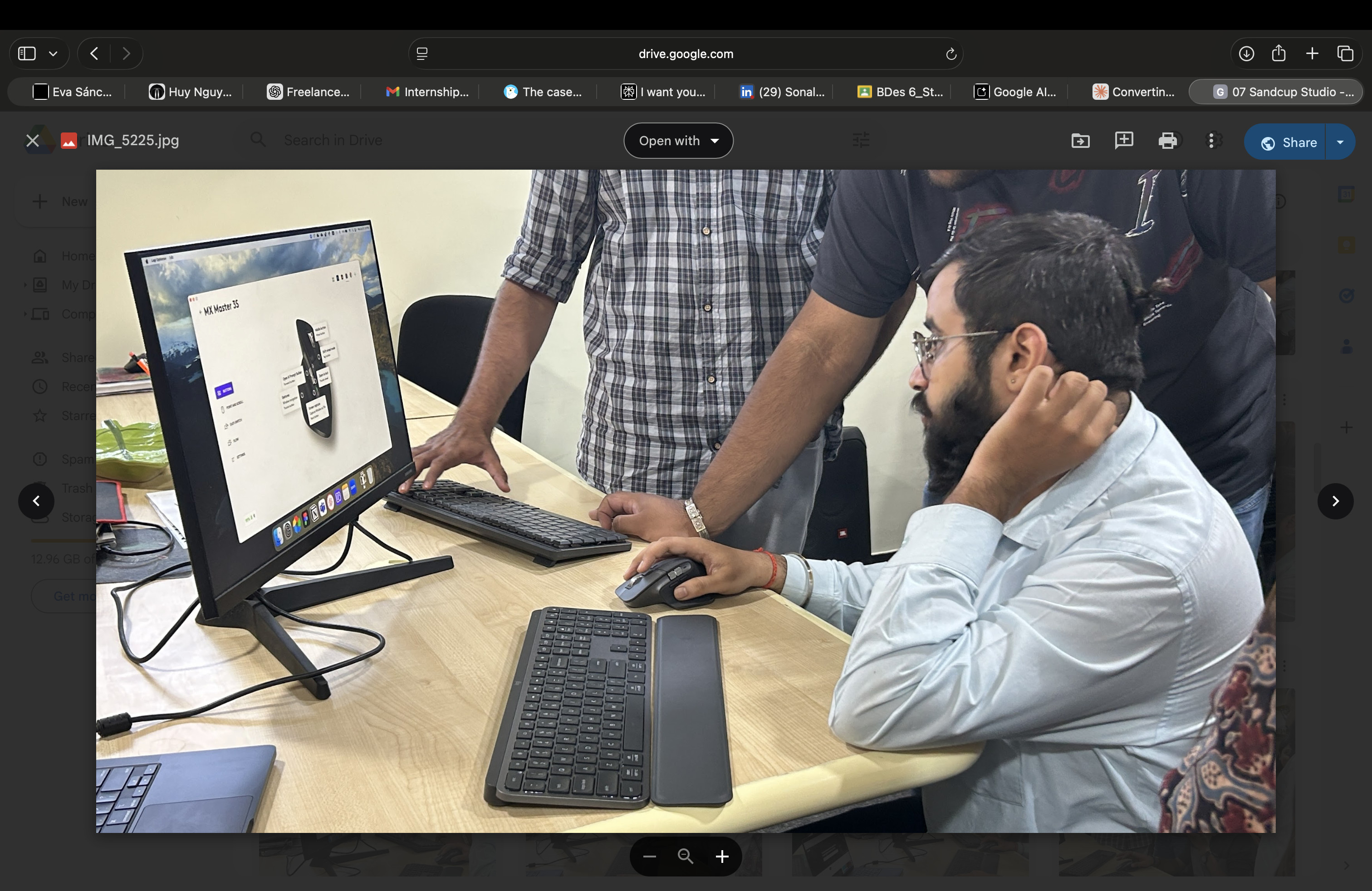
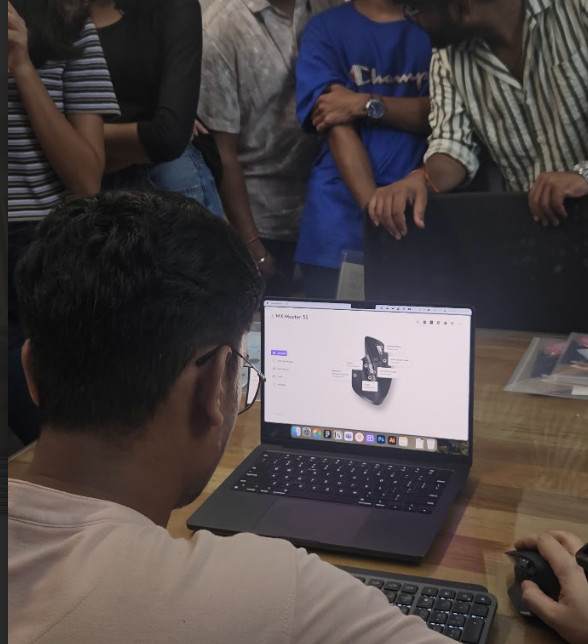
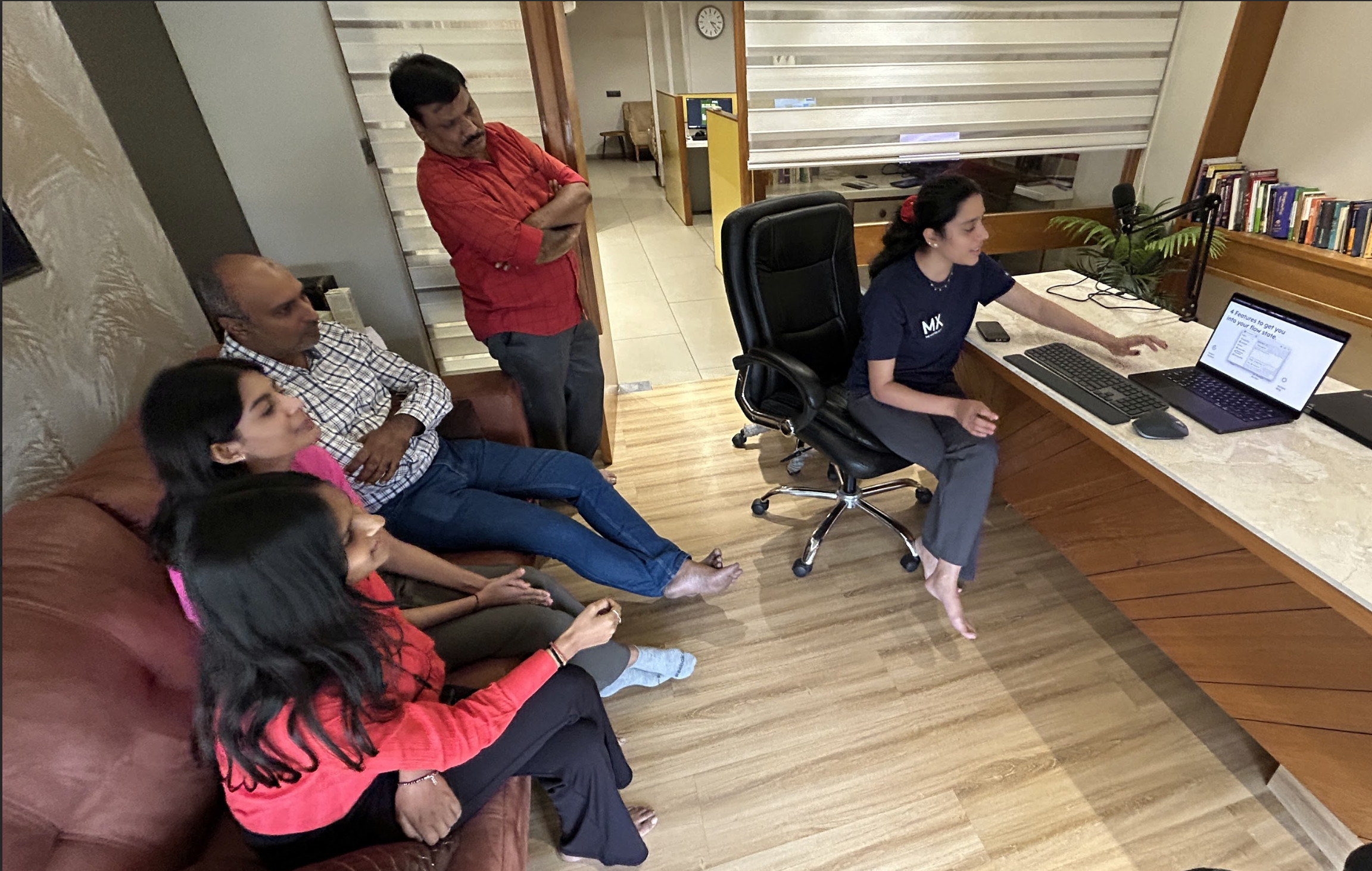
Workshop participants collaborating around a design activity Workshop participant testing a Logitech mouse Workshop participants working together in a studio Participants exploring Logitech products A participant using a Logitech mouse during a workshop

In the workshops we wanted to see if our activities worked and brought out the results we wanted

Each workshop also included a simple, goal-oriented task. This helped guide exploration without limiting it, giving participants both direction and room to discover the product on their own.
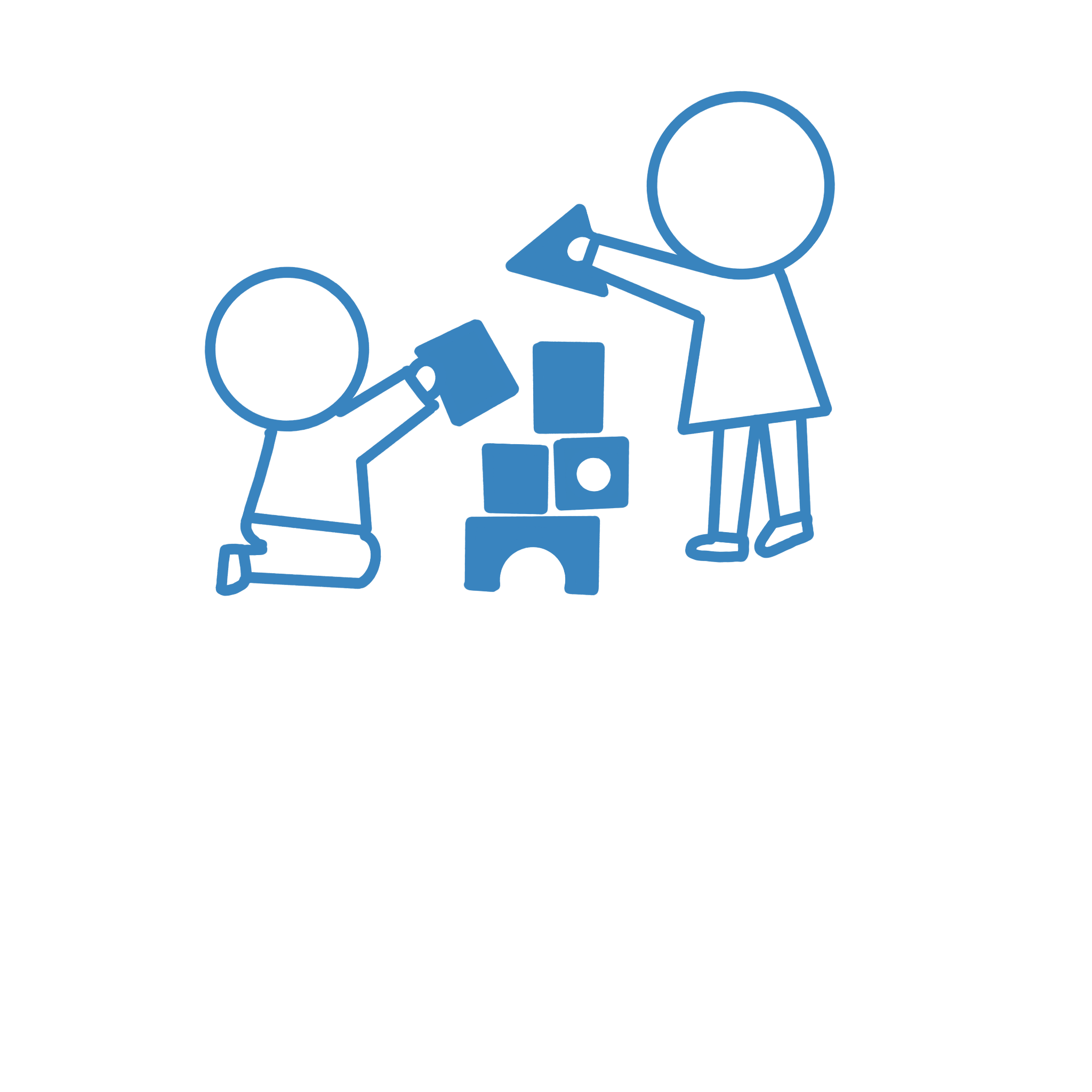
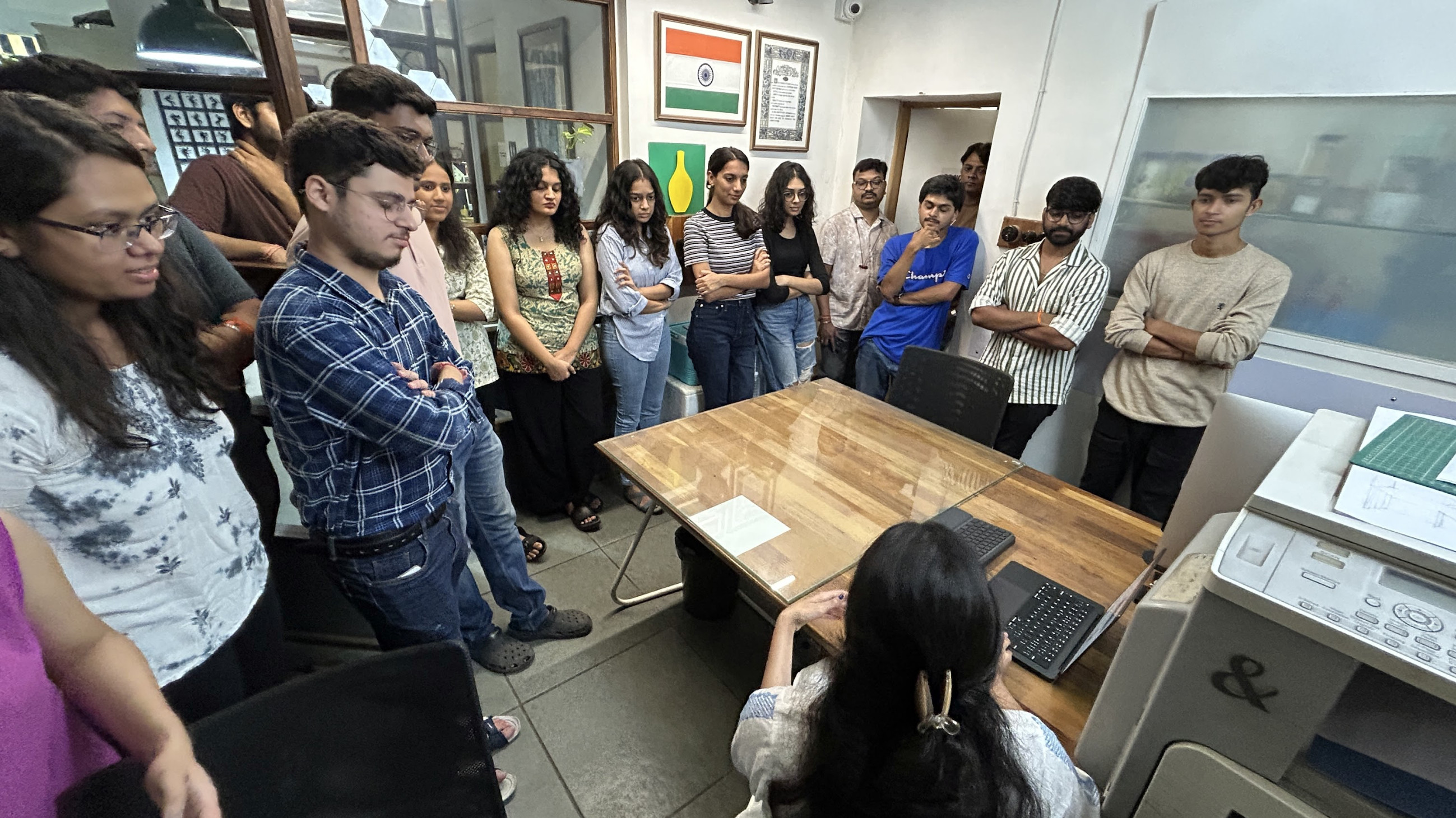
Illustration of two people playing and building together
A design studio workshop participant using a Logitech mouse Participants collaborating during a design studio workshop

STUDIOS we CONDUCTED WORKSHOPS IN

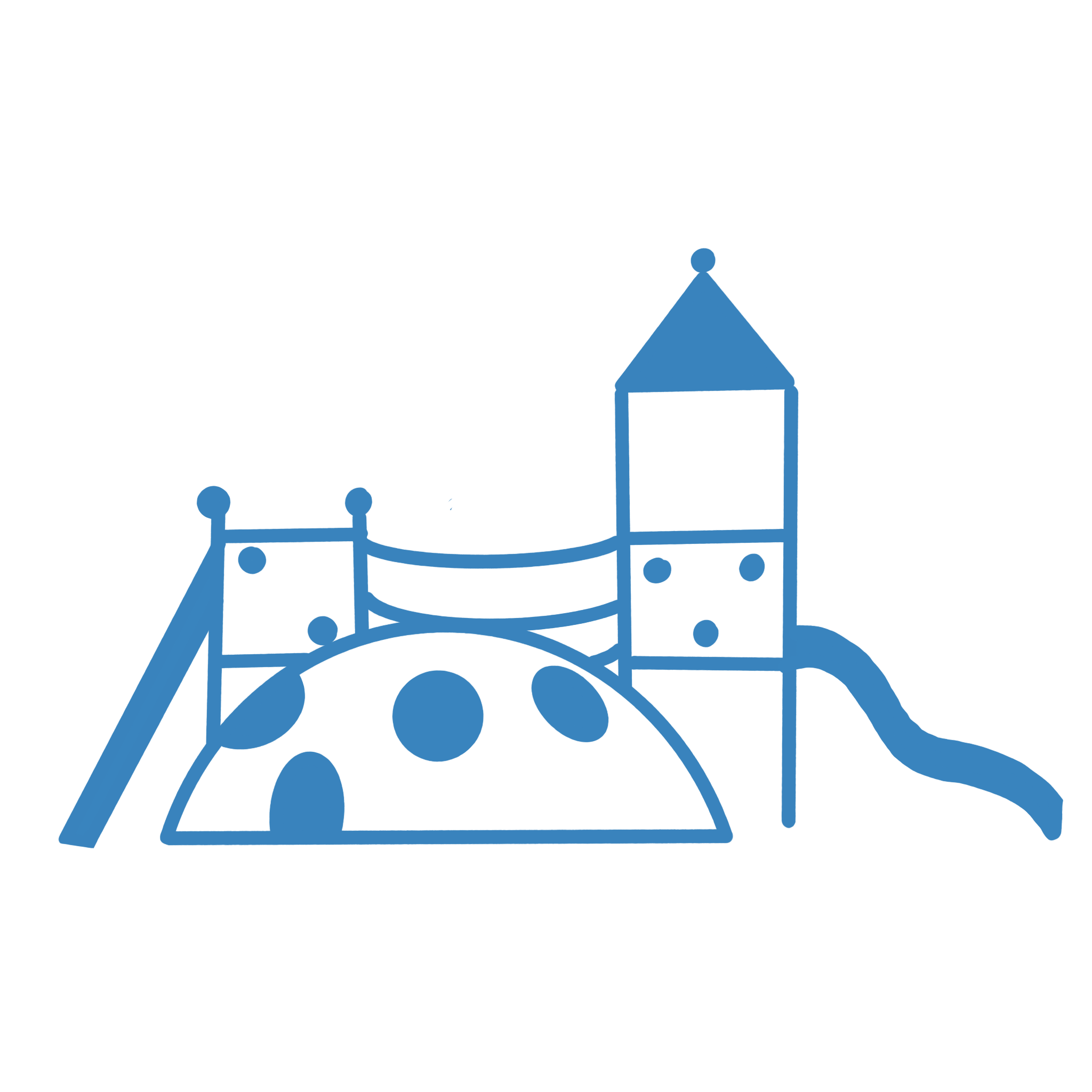
  1. JUNGLE GYM
  2. STUDIO VITAMIN D
  3. Sandcup designs
  4. Buttercup STUDIO
  5. 3 Dots design

Key Insights :

Heres what we learned form our sessions
  1. Within diverse groups of developers, designers, and others found in a design studio, we can see how interdisciplinary exploration is helping and how it leads to an interesting idea of buying a mouse in collaboration.
  2. While the use case differed according to roles in the studio or company, the one shared insight was that it could have a steep learning curve.
  3. By mapping these shortcuts to actions, participants could rely on workflows they already knew, making it easier and more comfortable to try the product.
Illustration of people sharing a playful creative activity

We wanted to now make a space to facilitate play with community and bonding

Inspired by a PT period, the masterclass followed a clear flow with defined activities. Empathy and interaction were central to the experience, helping build a more meaningful connection between participants and the product.

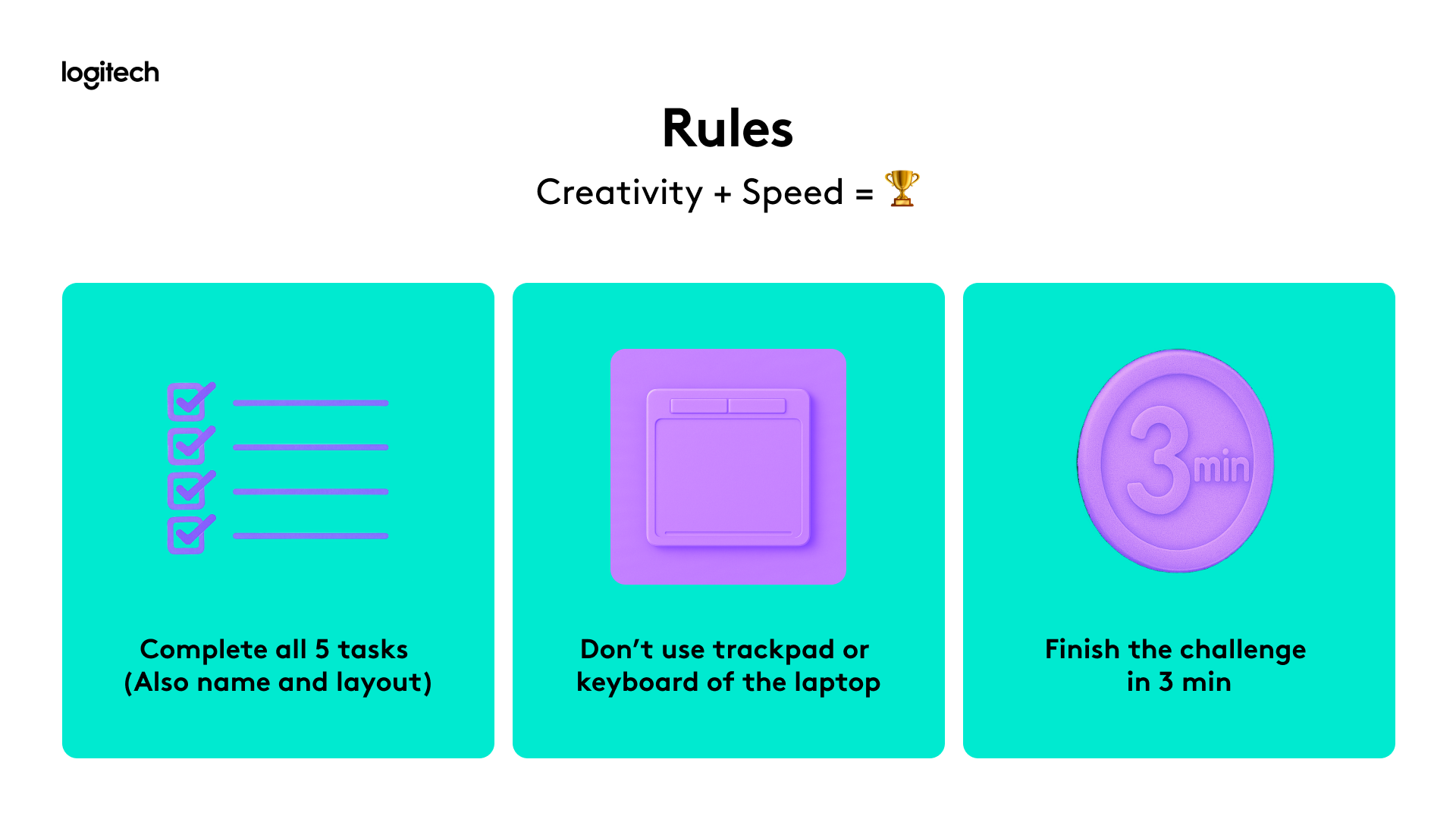
To encourage the interaction and product use we set a challenge where participants were given a canvas with a set of characters and objects to create a unique scene.

They had two minutes to customize their devices and three minutes to complete the scene.
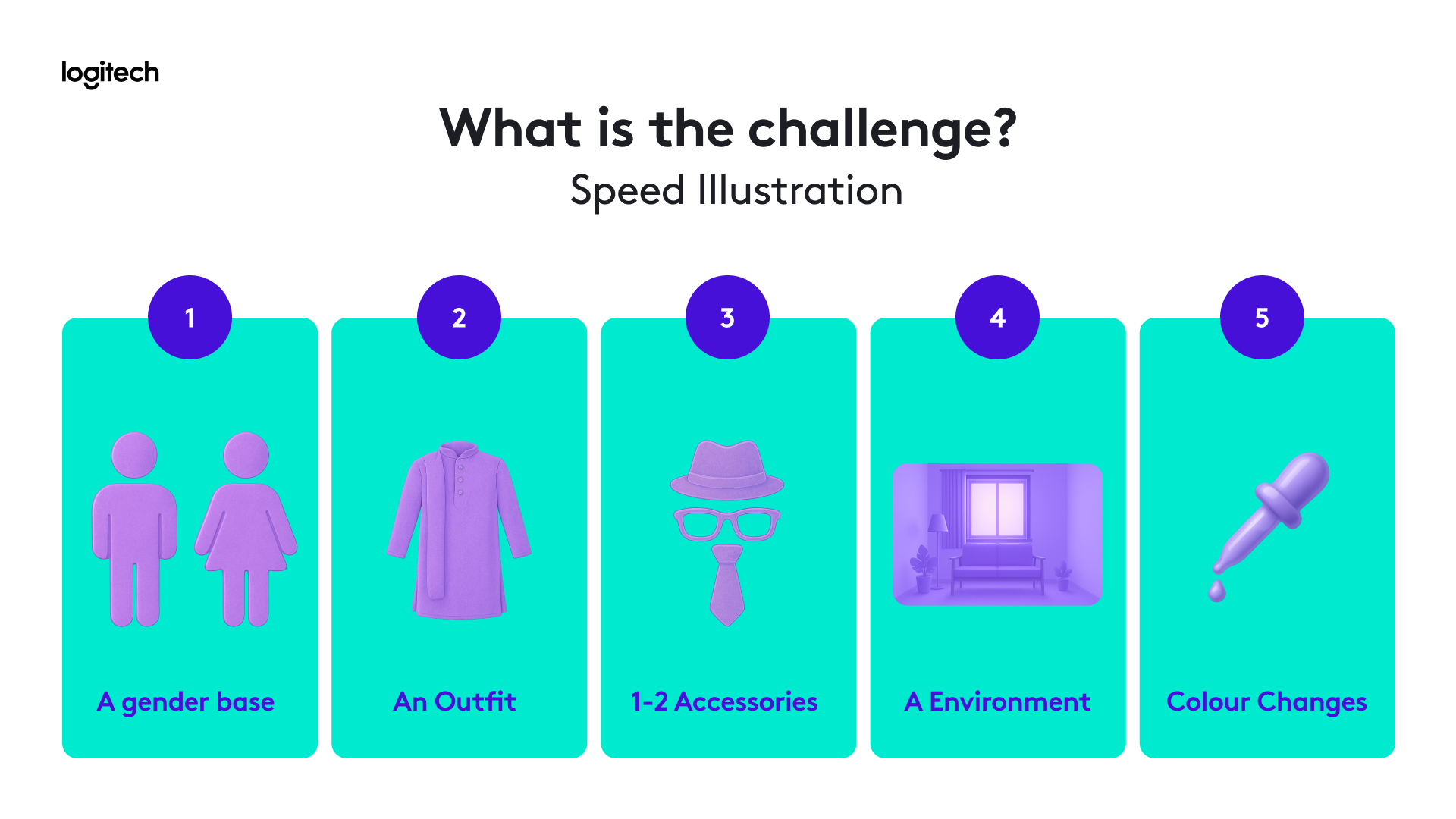
Canvas challenge with characters and objects to arrange into a scene Workshop challenge instructions for customizing a device and creating a scene
Insights

People who tried the products

We had almost 90 participants each customising and trying all the devices
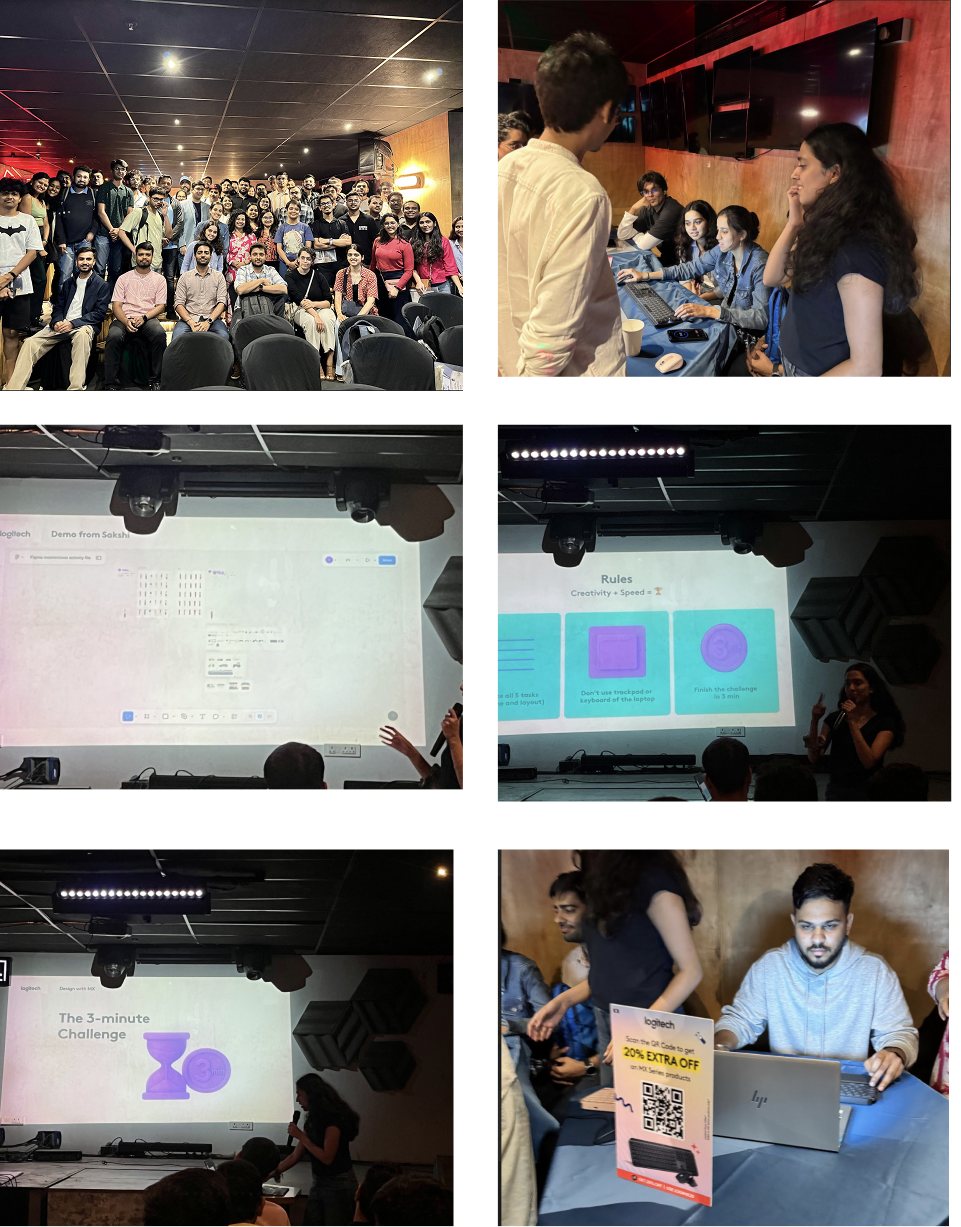
People who tried the products composite photos

Some other deliverables I worked on:

Social Media poster graphic Fig. Social Media
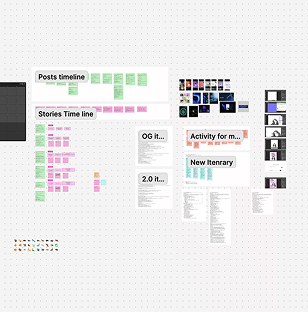
Strategy and design timeline Fig. Strategy and design
Visual tokens icon set Fig. Visual tokens

(04) UI and UX Work

Detailed UX and UI work is under NDA. Contact to know more

Insights

Design implements real change but lets see the numbers

Insights

Demo metrics

What the demos did for us?

57 Design professionals across 5 studios reached
5 Studios reached across two citiies
100% Studios kept products with them for a trial
Insights

Masterclass metrics

What the Masterclass do for us?

107 Attendies from 228 registrations
2,210 Page views over 30 days
740k+ Impressions via paid campaigns
Insights

Purchase metrics

How did we help the business?

6 Purchases
12% Direct conversion from product introduction
2X Intent Shift